
24 juni 2026
How to Create Your Company Page on LinkedIn
Your LinkedIn company page is your B2B storefront. Here is how to create it step by step, optimize it, and avoid the common mistakes.
Door Kaizup Team
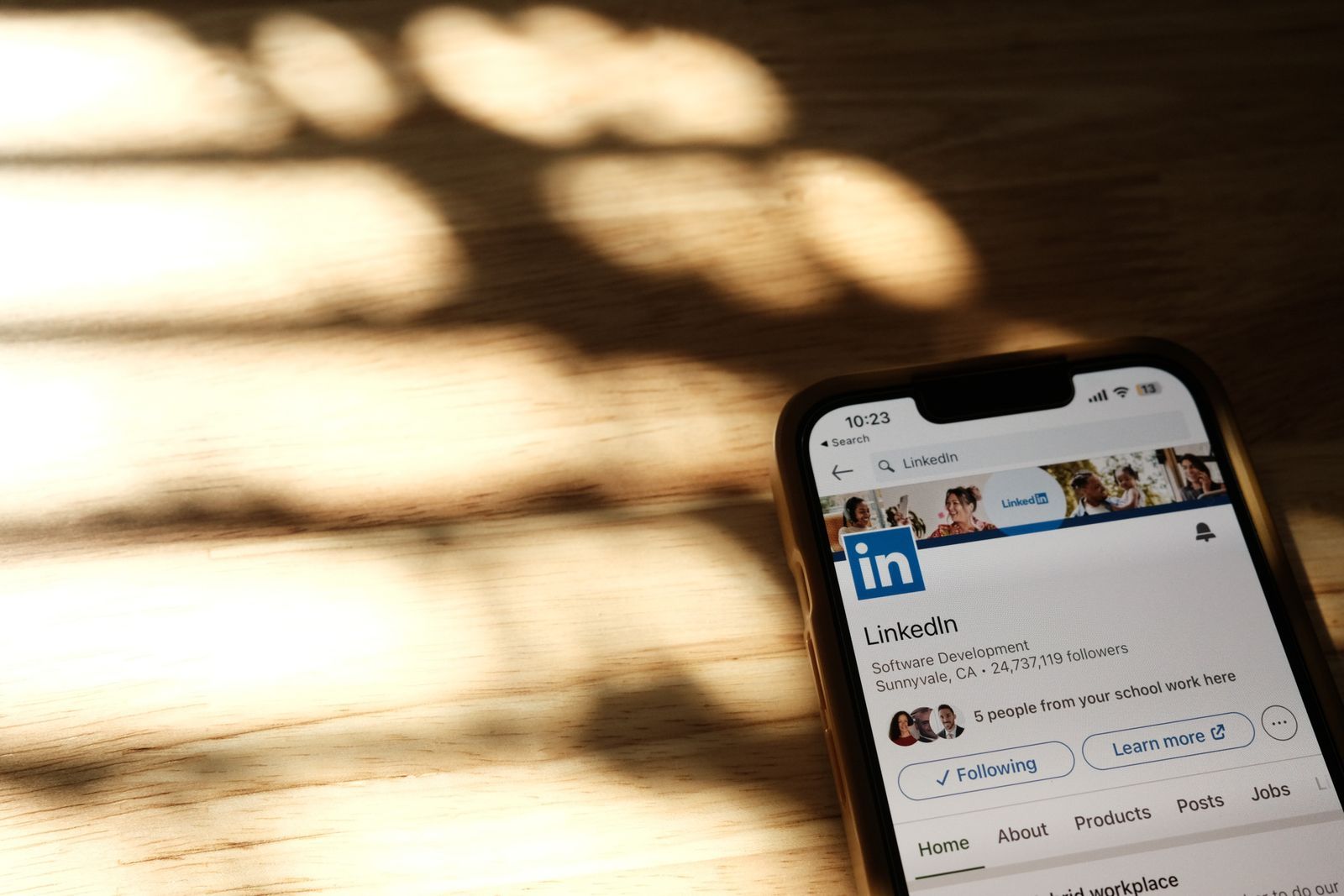
On LinkedIn, your company page is your business's official storefront: recruitment, credibility, and a reference point for your B2B prospects. The good news is that it takes only a few minutes to create.
This guide shows you how to create your LinkedIn page step by step, what to prepare beforehand, and how to optimize it so it inspires trust from the first visit.
Before You Start
To create a company page you need a personal LinkedIn account (yours will do). LinkedIn requires your profile to have a minimum of age and completeness to limit fake accounts. Also prepare your company logo and a short description.
Create the Page Step by Step
- Log in to your LinkedIn account
- Click the 'For Business' icon (the grid at the top right), then 'Create a Company Page'
- Choose the type: Company (the most common case)
- Enter the name, LinkedIn public URL, website, industry, size, and company type
- Add the logo and a tagline
- Tick the box confirming you are authorized to create the page
- Click 'Create page'
Optimize Your Page
An empty page looks abandoned. Take ten extra minutes right after creation to make it credible and findable:
The essentials
- About section: write a clear, keyword-rich description. The first two lines show before 'see more', so front-load who you help and how
- Tagline: a concise one-line positioning shown under your name
- Logo and cover: use a recognizable logo and a banner that states your value proposition or current offer
- Details: fill in website, industry, company size, and location so the page ranks in search
Go further
- Custom button: add the action that matches your goal (Visit website, Contact us, Learn more)
- Employee reach: ask your team to add the company in their profile experience and to follow the page — it multiplies your organic reach
- First content: publish an introduction post and pin your most important update to the top
- Check the Analytics tab regularly to see which posts and visitors perform best
Mistakes to Avoid
- Leaving the About section empty or generic — visitors assume the company is inactive
- Confusing the company page with a personal profile: the page builds the brand, your profile drives engagement, and they work together
- Forgetting to invite employees to follow and associate their profiles, losing free reach
- Posting only promotional content with no useful insight
- Inconsistent branding between logo, banner, and tone
- Creating the page then never posting again
Related reading: build your CEO LinkedIn profile and create your Facebook page.
Summary
- The LinkedIn page is your company's official B2B storefront
- Quick creation from 'For Business' with a personal account
- Prepare logo, description, and tagline before you start
- Optimize immediately: description, cover, first post
- A living page requires regular posting
Once your LinkedIn page is live, Kaizup helps you keep it active: generate and schedule your posts in your brand voice. Try it free, no credit card required.
Aan de slag